Create Node
Overview
This page explains how to create a node.
How to create a node
Click "⋮" under "Cluster Information" on the Network Overview page
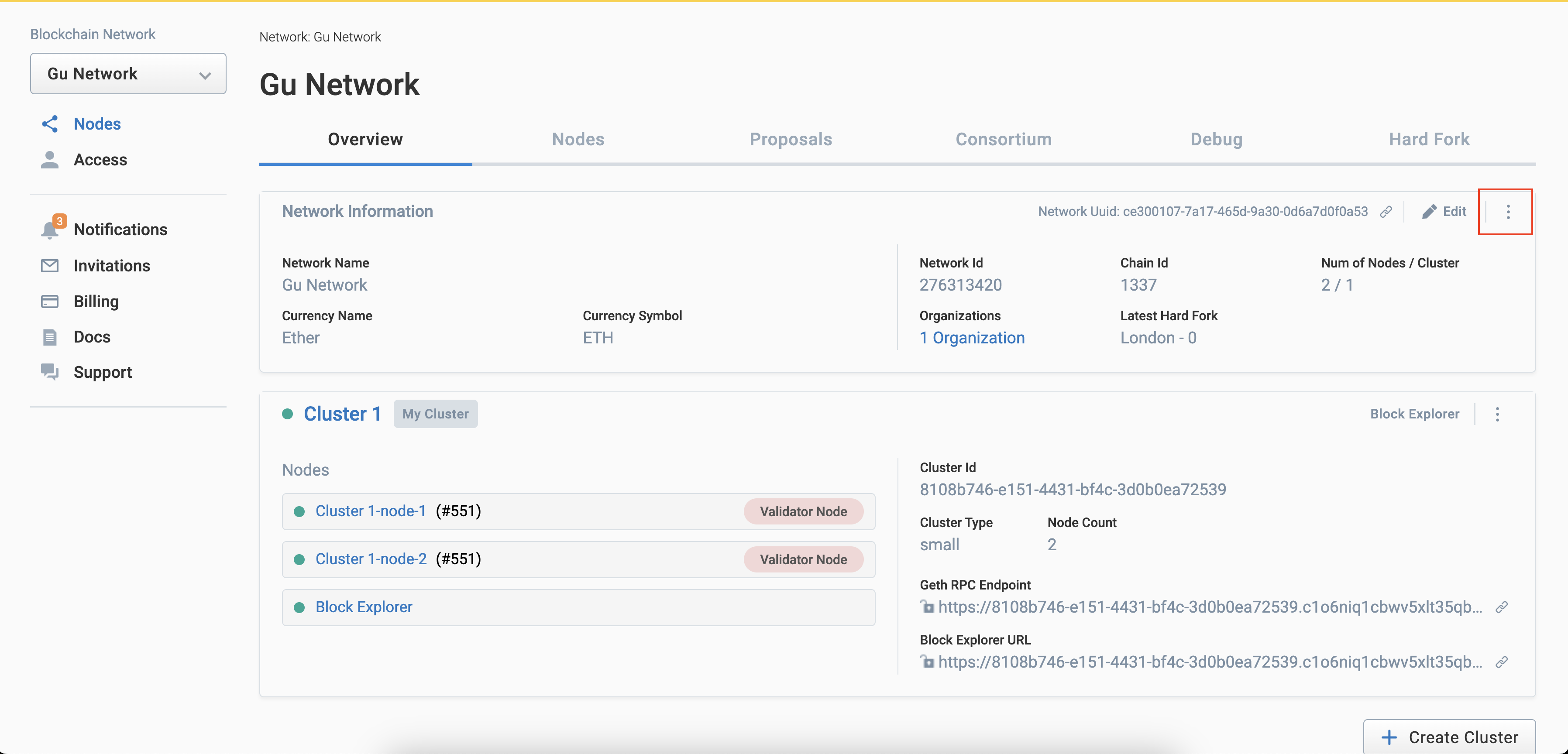
Click the "Create Node" button in the pull-down menu that opens
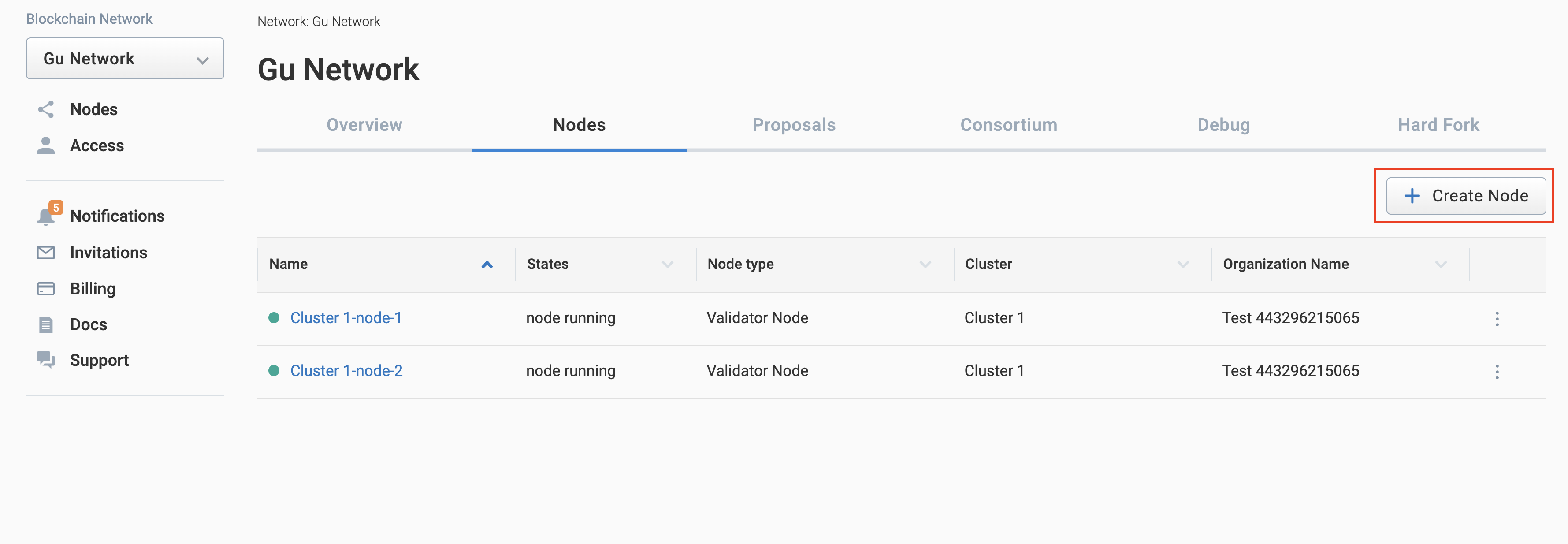
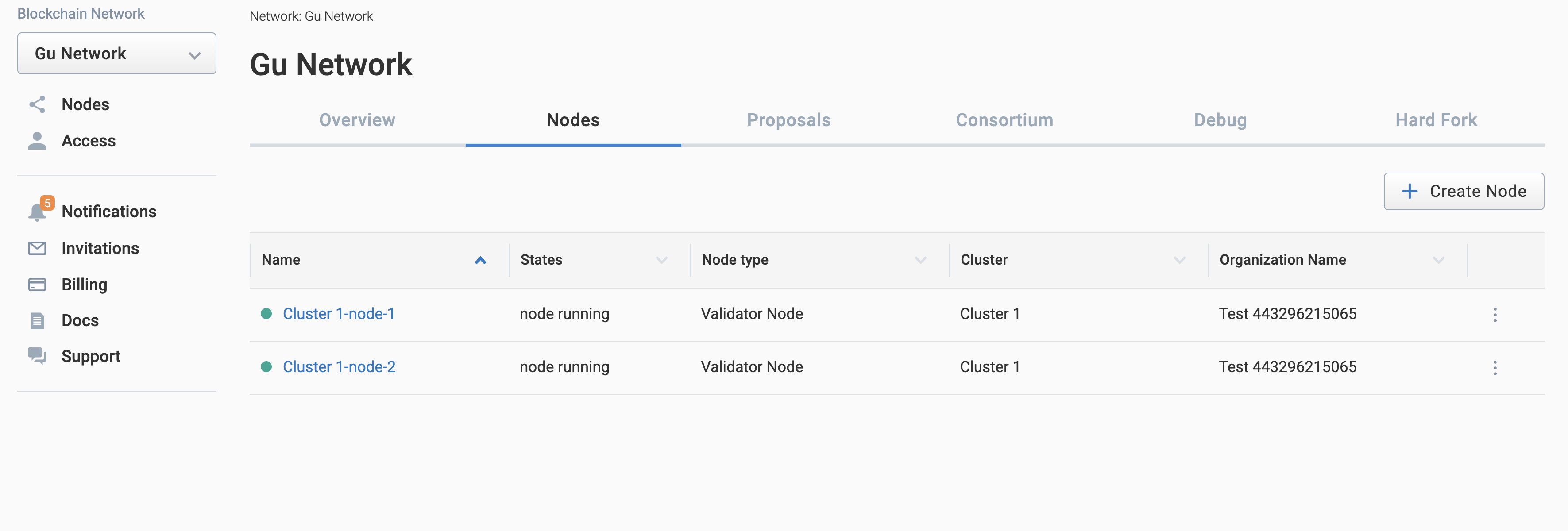
When the Create Node dialog box opens, enter the items and click the Create button
-a18867cecb1ea88bf76c8bdb52719dd8.png)
- Menu
- Item
- List
| Item Name | Description |
|---|---|
| Overview tab | Go to Overview page |
| Security tab | Go to Security Page |
| Metrics tab | Go to Metrics page |
| Logs tab | Go to Node Log page |
| Item Name | Description |
|---|---|
| Node name | Enter a network name. |
| Provider | Select a provider |
| Region | Select a region |
| Instance Type | Select a instance type |
| Number of Nodes | Select the number of nodes The number of nodes can be entered from 1 to 45 |
| Connect to external Clef | Create node support external Clef |
| +Advanced Menu | Display the Advanced Settings entry field |
| OS Version | Select the OS version |
| Node version | Select the version of the node |
| Clef version | Select the version of the internal Clef |
| Gas Price | Enter an arbitrary Gas Price |
| Garbage collection mode | Mode of node (full or archive) |
| Allow unprotected (non EIP155 signed) transactions | Create node allow unprotected transactions |
Internet Service Provider
| value | Description |
|---|---|
| Amazon Web Service |
Regions (tied to clusters)
| value | Description |
|---|---|
| Japan (Tokyo) | Created in Japan (Tokyo) region |
| Singapore | Create in Singapore region |
| United State (California) | Created in United State (California) region |
| German (Frankfurt) | Created in German (Frankfurt) region |
Instance type (tied to cluster type)
| Name | vCPU | Memmory (GB) | Selling Price |
|---|---|---|---|
| Small | 2 | 4 | $99 |
| Medium | 2 | 4 | $199 |
| Large | 4 | 8 | $349 |
| Business | 4 | 16 | $599 |
| Business Large | 8 | 32 | $899 |
| Mega | 48 | 96 | $2,999 |
| Metal | 64 | 256 | $6,999 |
OS Version
| value |
|---|
| Amazon Linux 2 LTS Arm64 Kernel 5.10 AMI 2.0.20250305.0 arm64 HVM gp2 |
| Amazon Linux 2 LTS Arm64 Kernel 5.10 AMI 2.0.20250220.0 arm64 HVM gp2 |
| Amazon Linux 2 LTS Arm64 Kernel 5.10 AMI 2.0.20250201.0 arm64 HVM gp2 |
| Amazon Linux 2 LTS Arm64 Kernel 5.10 AMI 2.0.20250123.4 arm64 HVM gp2 |
| Amazon Linux 2 LTS Arm64 Kernel 5.10 AMI 2.0.20250116.0 arm64 HVM gp2 |
Execution Client
| Value | Description |
|---|---|
| Geth Node | Node running go-ethereum |
| Nethermind Node | Node running nethermind |
Node version
| Value | Description |
|---|---|
| Geth 1.11.6 | go-ethereum v1.11.6 |
| Geth 1.12.2 | go-ethereum v1.12.2 |
| Nethermind 1.31.9 | nethermind v1.31.9 |
Clef version
| Value | Description |
|---|---|
| Clef 1.11.6 | ethereum/client-go:alltools-v1.11.6 |
| Clef 1.12.2 | ethereum/client-go:alltools-v1.12.2 |
Gas Price
| Value | Description |
|---|---|
| 1000000000 |